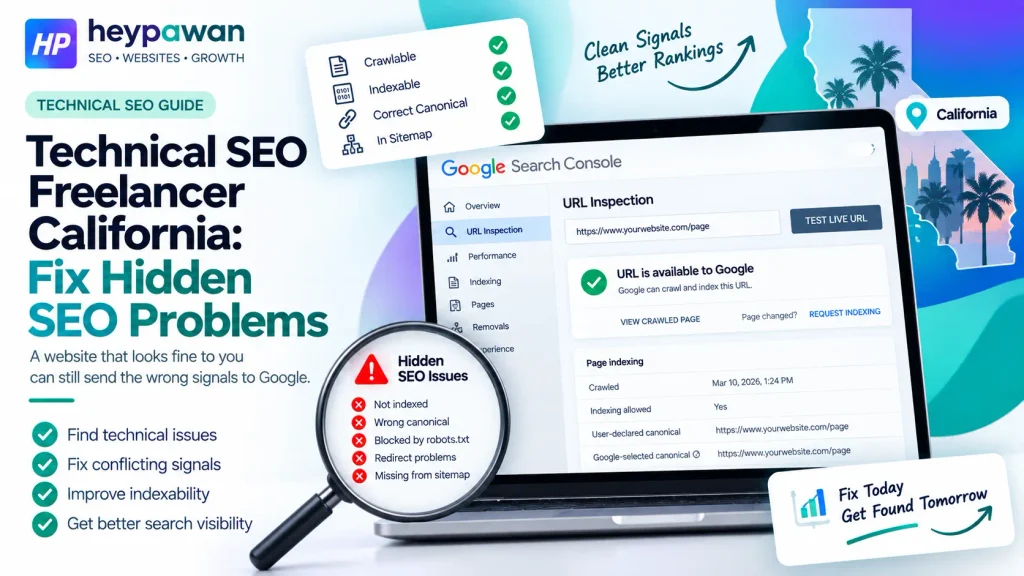
A website can look completely normal to customers while sending Google mixed technical signals. An important page may load correctly yet be blocked from indexing, point to another canonical URL, render differently for Google, or still be connected to an old URL after a redesign.
A Technical SEO Freelancer California search often starts with symptoms like these. The real decision is not how many errors an audit can find. It is whether important pages are communicating conflicting signals, what evidence confirms the problem, and who needs to fix it.
Technical SEO Freelancer California: When a Normal-Looking Website Can Still Have Hidden Search Problems
A working website is not automatically a technically consistent search system.
Google’s technical requirements for Search include allowing Googlebot access, returning a successful HTTP status, and providing indexable content. Meeting those minimum requirements still does not guarantee that a page will be indexed or rank.
That distinction matters when a business sees symptoms such as:
- an important page missing from Search;
- a different URL appearing instead;
- visibility changing after a redesign;
- pages showing unexpected indexing or canonical information in Search Console;
- content working for users but not appearing as expected when Google renders it.
A Technical SEO Freelancer California project should therefore begin with the affected URLs and the behavior that needs explaining, not a generic list of technical SEO tasks.
Look for Conflicting Search Signals, Not a Bigger Technical Audit Checklist
Hidden technical problems often become clearer when you compare what different website signals are telling Google.
Google treats redirects and rel=”canonical” annotations as strong canonicalization signals, while sitemap inclusion is a weaker signal. Google also recommends linking internally to the URL you want treated as canonical. These signals work best when they reinforce the same preferred URL.
A practical way to investigate is to map the visible symptom against the signals that could disagree:
| Observed symptom | Signals to compare | What the finding changes |
| Important page is not indexed | robots rules, noindex, internal links, sitemap | Shows whether the page is intentionally excluded, poorly exposed, or misconfigured |
| Wrong URL appears in Search | canonical, redirects, internal links | Shows whether the site is giving Google inconsistent URL preferences |
| Page looks complete to users | rendered HTML, JavaScript resources, indexability | Shows whether Google can process the same useful content |
| Visibility changed after migration | redirects, canonicals, sitemaps, internal links | Shows whether old and new URL signals were updated consistently |
A canonical tag alone does not give a site owner absolute control. Google can select a different canonical when its systems interpret the available signals differently. That is why the useful question is not simply, “Is there a canonical tag?” It is, “Do the site’s important URL signals agree?”
This approach keeps the investigation focused on a real business problem rather than treating every crawler warning as equally urgent.
Match the Symptom to Google Evidence Before Changing the Website
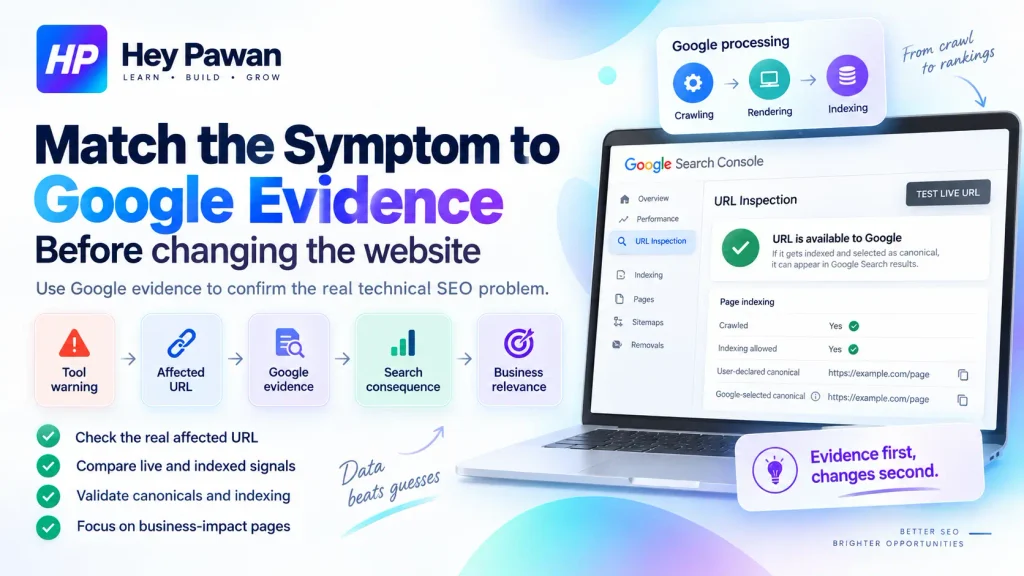
Technical changes should be supported by evidence connected to the affected URL or template.
Google Search Console’s URL Inspection tool can show information such as whether a URL was crawled, whether indexing is allowed, the user-declared canonical, Google’s selected canonical, and details about Google’s indexed version. Its live test can also help compare the current page with information Google previously processed.
That creates a useful evidence sequence:
tool warning → affected URL → Google evidence → search consequence → business relevance
For example, a crawler may report hundreds of URLs excluded from indexing. That count alone does not prove hundreds of problems. Some URLs may correctly be excluded because they are duplicates or were never intended to appear in Search.
JavaScript adds another layer. Google’s JavaScript SEO guidance explains that Google processes JavaScript pages through crawling, rendering, and indexing. When rendering is part of the suspected problem, the relevant question is what Google can actually process, not only what the page displays in a normal browser.
The same technical foundation matters for Google’s AI Overviews and AI Mode. To be eligible as a supporting link, Google says a page must be indexed and eligible to appear in Search with a snippet. Google specifies no additional technical requirements for these AI features.
If the technical evidence is healthy and the remaining issue is page relevance or search intent, deeper on-page SEO for search and AI visibility may be more useful than continuing to expand the technical audit.
Decide Whether the Fix Belongs to SEO, Development, Hosting, or More Than One
Finding the technical problem does not automatically tell you who should implement the solution.
A useful scope decision is to separate four possible outcomes.
Diagnosis only: The business already has a developer or development team. The technical SEO freelancer identifies the cause, affected URLs or templates, expected behavior, and implementation requirements.
Direct implementation: The change is safely handled through an agreed CMS or SEO configuration, such as correcting an indexability setting, internal URL reference, or other manageable website configuration.
SEO plus developer collaboration: Problems involving application routing, JavaScript rendering, templates, large migrations, server responses, deployment systems, or infrastructure may require technical SEO guidance plus development work.
Not primarily technical SEO: If crawling, rendering, indexability, canonicalization, and other technical evidence are healthy, the next constraint may be content, intent alignment, authority, Local SEO, or conversion rather than another technical fix.
That distinction helps a business define what it is actually hiring a specialist to own. If the problem has expanded into broader organic-search priorities, a broader SEO strategy is a more appropriate next step than stretching technical SEO beyond its role.
Verify That the Original Technical Conflict Has Actually Been Resolved
A technical fix is complete only when the original conflicting behavior has been corrected in the relevant evidence.
A practical validation sequence is:
baseline conflict → implementation → live retest → Google reprocessing → next decision
If the problem involved an old URL, confirm the redirect reaches the intended destination and internal links now use the new URL. If canonicals were inconsistent, check that the preferred signals now align. If JavaScript prevented important content from being processed, confirm the rendered output contains what Google needs.
For URL-changing migrations, Google’s site-move guidance recommends coordinating redirects with updated internal links, canonicals, and sitemaps rather than treating the redirect as the entire migration.
Technical validation also needs a clear limit. Fixing a technical conflict does not guarantee indexing, rankings, traffic growth, leads, or inclusion in AI-generated search experiences. It removes or corrects a technical barrier so the next decision can be based on better evidence.
If important pages are showing unexplained indexing, canonical, rendering, redirect, or post-migration behavior, you can share the website, affected URLs, Search Console symptoms, and any recent site changes with Hey Pawan. I am Pawan Kumar, an independent digital marketing professional with 10+ years of experience, and I can help determine whether the problem fits technical SEO work and what level of implementation support it requires.
Frequently Asked Questions
Can a technical SEO freelancer work remotely with a California business?
Yes. Most technical SEO diagnosis can be handled remotely when the necessary website, Search Console, CMS, hosting, or development access is available. Physical proximity does not change how Google crawls, renders, canonicalizes, or indexes a website.
What access might a technical SEO freelancer need?
Access depends on the suspected problem. It may include Google Search Console, the CMS, analytics, crawl data, hosting or CDN settings, and communication with a developer. Permissions should match the task rather than providing unnecessary administrative access.
Can a technically healthy page still fail to rank?
Yes. Google states that meeting its technical requirements does not guarantee indexing or ranking. A technically healthy page can still underperform because of relevance, content quality, search intent, competition, authority, or other systems that technical SEO does not replace.
When should technical SEO be reviewed after a redesign or CMS change?
A review is useful when a redesign changes important URLs, navigation, templates, redirects, canonicals, robots settings, JavaScript behavior, or other Search-facing elements. URL-changing migrations deserve particular attention because several signals should move consistently to the new structure.
Sources
- Google Search Central, Google Search Technical Requirements
https://developers.google.com/search/docs/essentials/technical - Google Search Central, How to Specify a Canonical URL with rel=”canonical” and Other Methods
https://developers.google.com/search/docs/crawling-indexing/consolidate-duplicate-urls - Google Search Console Help, URL Inspection Tool
https://support.google.com/webmasters/answer/9012289?hl=en - Google Search Central, Understand JavaScript SEO Basics
https://developers.google.com/search/docs/crawling-indexing/javascript/javascript-seo-basics - Google Search Central, Site Moves and Migrations
https://developers.google.com/search/docs/crawling-indexing/site-move-with-url-changes - Google Search Central, AI Features and Your Website
https://developers.google.com/search/docs/appearance/ai-features