Accessibility approach
I aim to follow relevant WCAG 2.2 Level AA principles where practical. This is an ongoing target rather than a claim that every page, document, external service, or future update is fully conformant at all times.
Website Accessibility
I want HeyPawan.com to be usable by as many people as reasonably possible. This statement explains the accessibility practices used across the website, known limitations, and how to report a problem.
Clear Information
Read the sections below for the practical details relevant to this page.
I aim to follow relevant WCAG 2.2 Level AA principles where practical. This is an ongoing target rather than a claim that every page, document, external service, or future update is fully conformant at all times.
The website uses semantic landmarks, logical heading structure, skip navigation, visible focus states, and keyboard-operable controls where supported by the underlying component. Interactive elements should be reachable without relying only on a mouse.
Text is designed for readable contrast, responsive scaling, and reflow across common desktop, tablet, and mobile widths. Information should not depend on color alone, and controls should remain usable at smaller screen sizes.
Meaningful images should have descriptive alternative text, while decorative images should be ignored by assistive technology. Forms use visible labels, instructions, validation feedback, and accessible names for relevant controls.
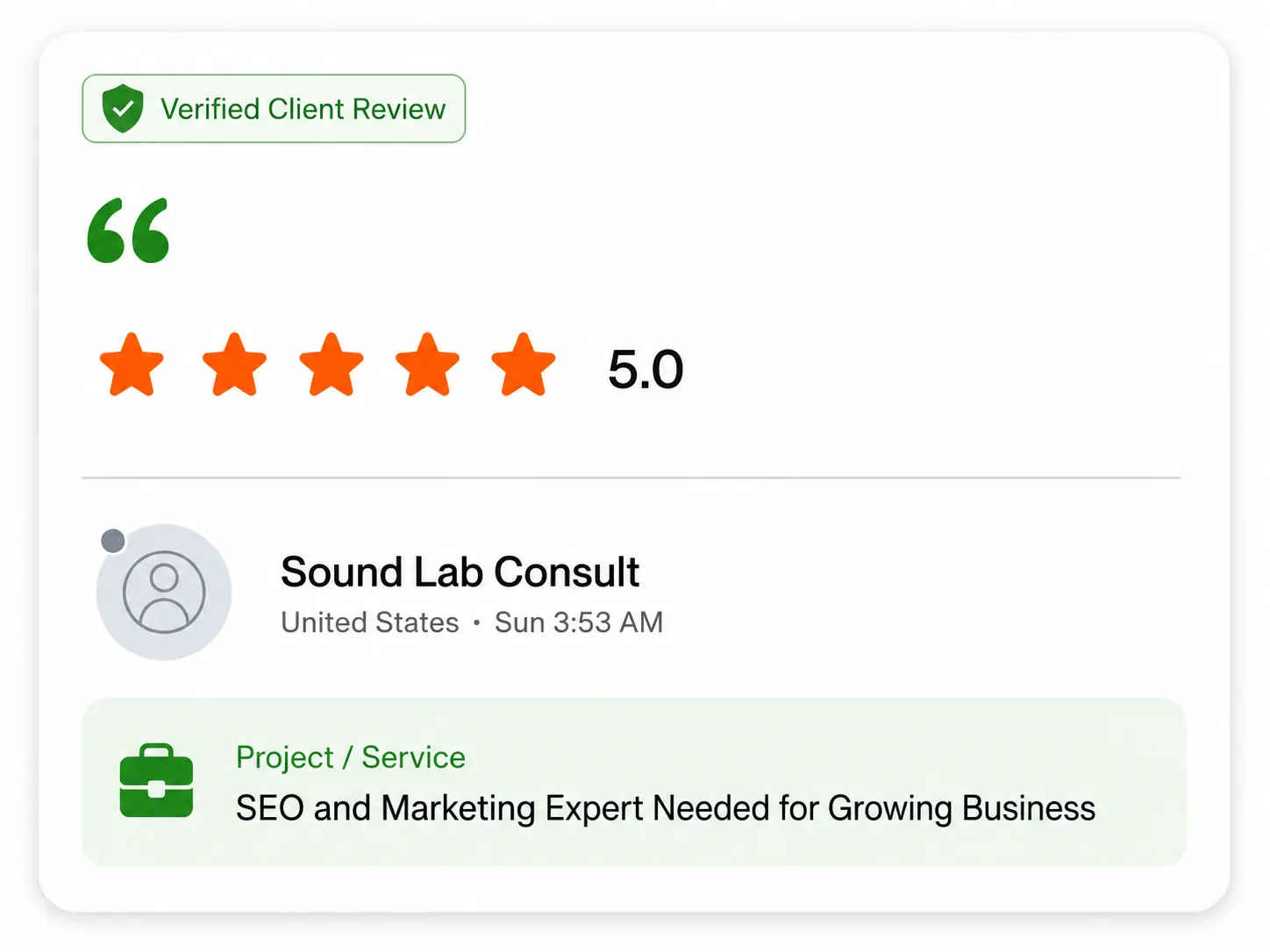
Some third-party platforms, embedded services, client-supplied files, historical screenshots, review images, or downloadable documents may not provide the same level of accessibility as the main website. Readable HTML summaries are used where practical.
If information is difficult to access, email contact@heypawan.com with the page URL, the content you need, your preferred format, and a brief description of the barrier. I will review a practical alternative where reasonably possible.
Please include the affected URL, browser or device, assistive technology if relevant, and what you were trying to do. Do not include passwords or unnecessary sensitive information.
Accessibility is considered during content, design, and technical updates. Automated checks can identify some issues, but keyboard testing, responsive review, and feedback from real users remain important.
Need More Context?
Send your question and include the page, service, or enquiry it relates to.
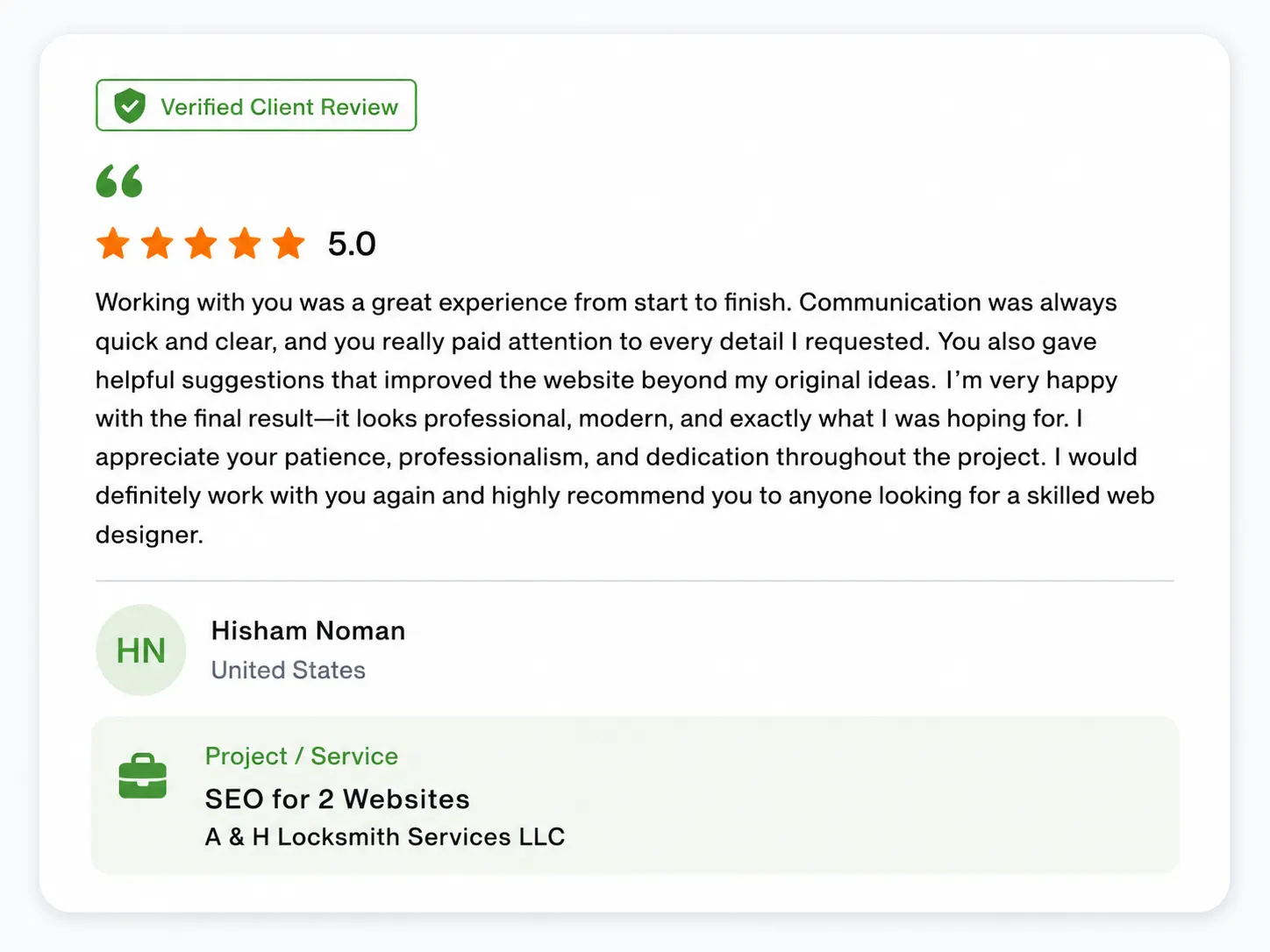
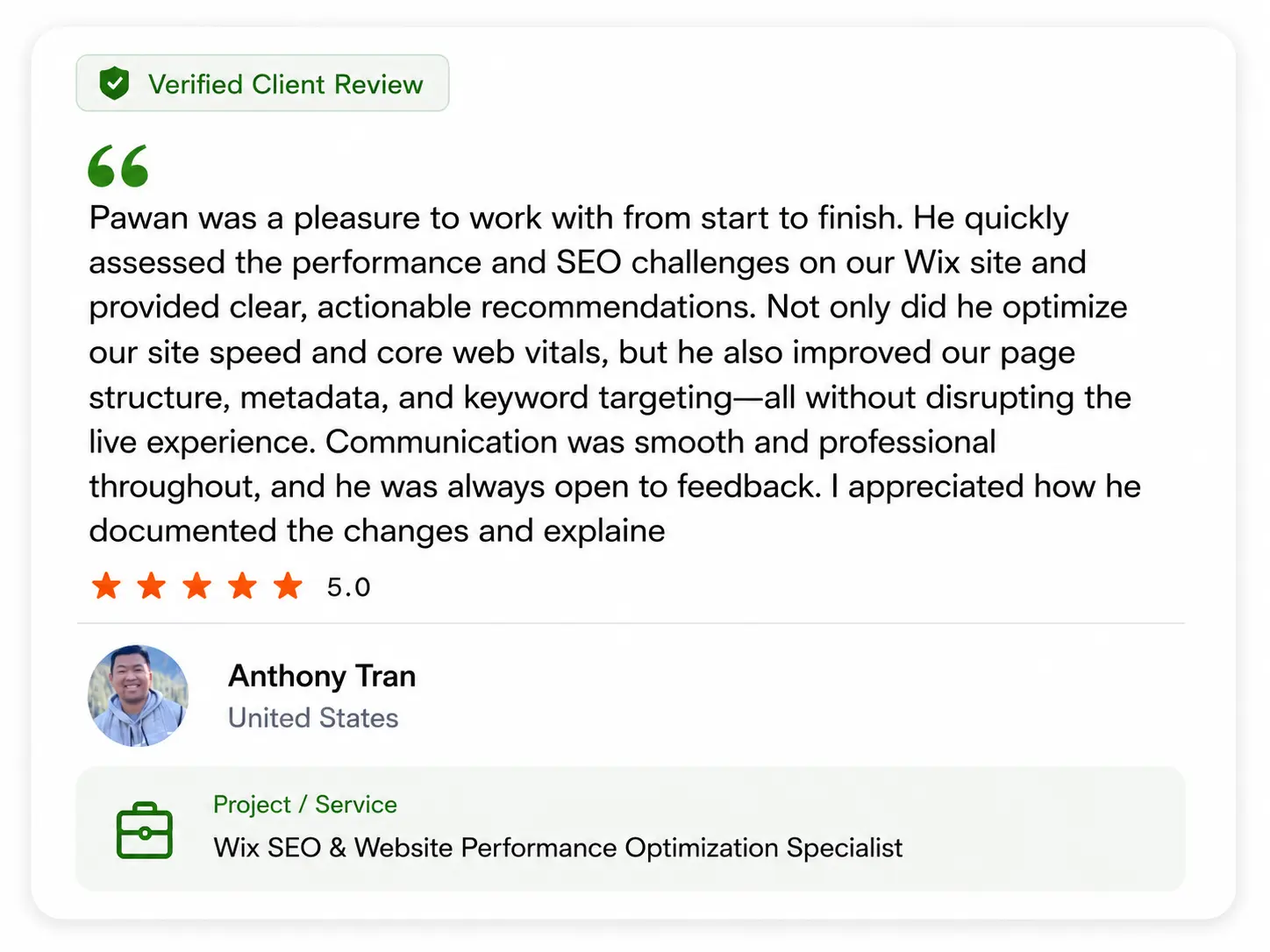
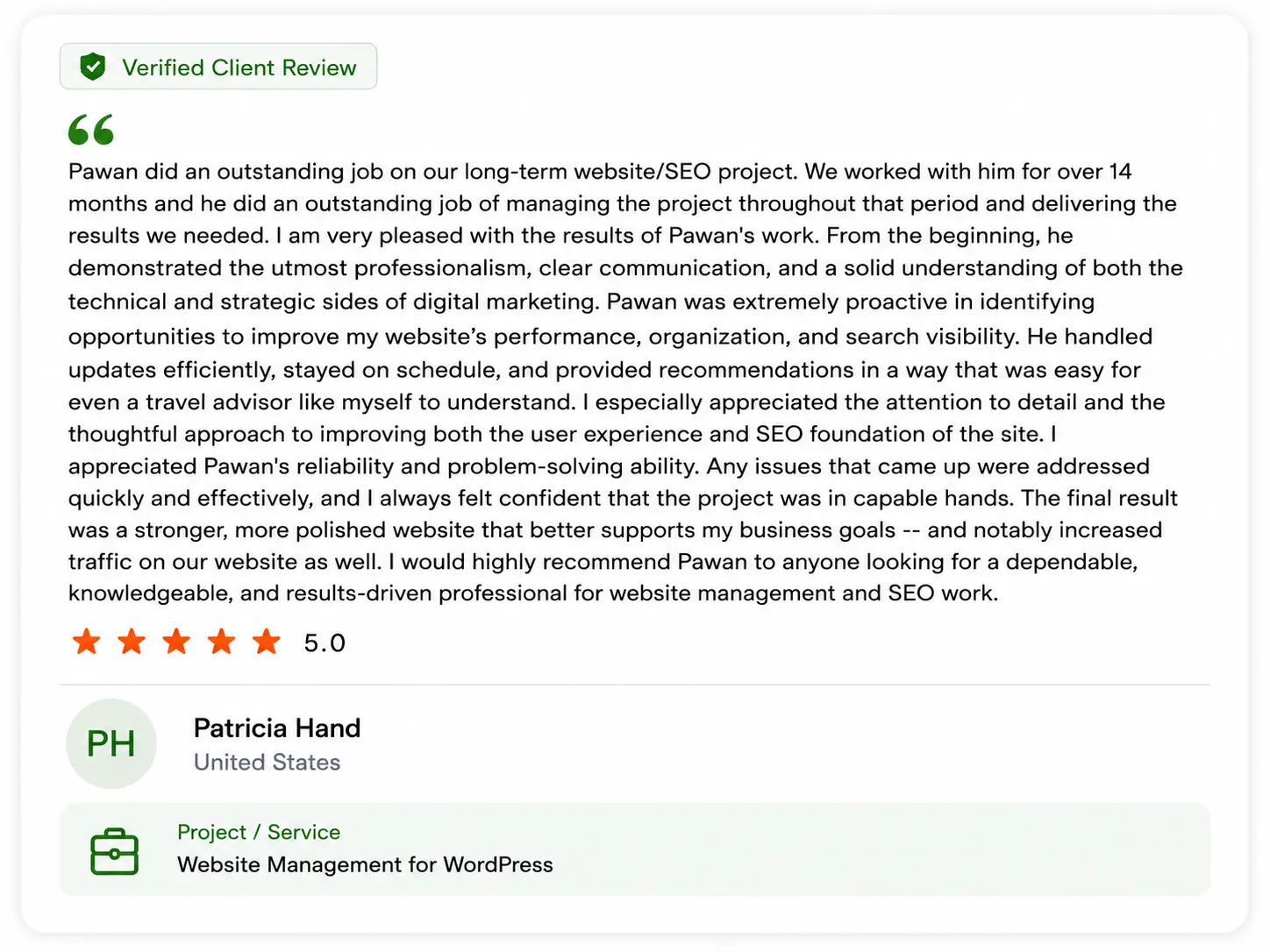
Client Feedback
Review the original client feedback images connected to this type of work.